MaivenPoint Vitae is an online training management system that provides an integrated platform for training providers, sponsoring organisations, and learners.
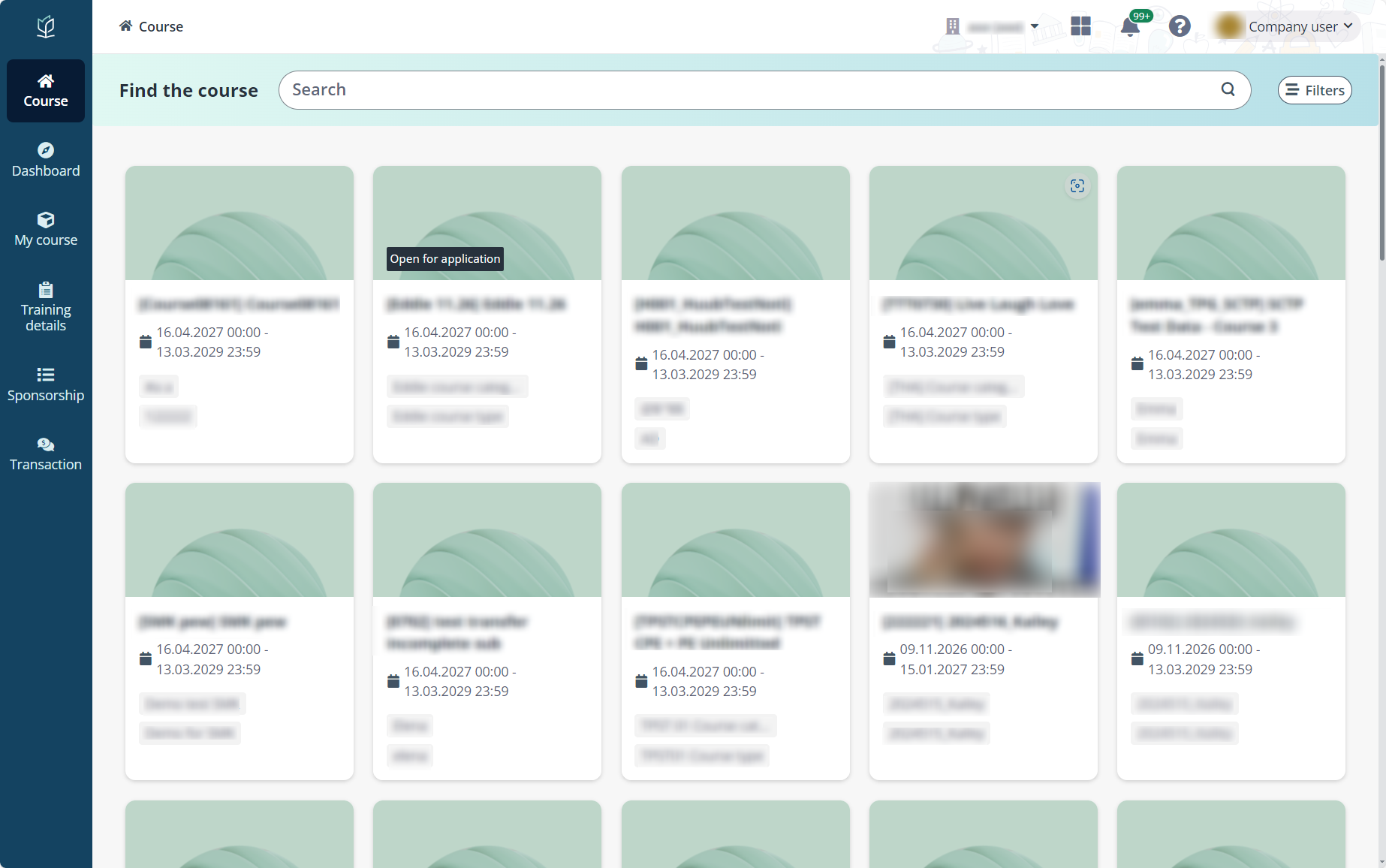
The company portal is a public platform for companies to view and manage your sponsorship and applications of courses.
*Note: A company administrator or user can be in multiple companies. In this case, to switch to another company and perform operations, click the company name on the upper-right corner. In the drop-down list, you will be able to switch the companies by clicking the corresponding company name.
For more information on how a company’s administrator and sponsorship administrator can manage the company information, course sponsorship, application, and payments, refer to:
•Company administrator:
o How to sign up and sign in to company portal?
o How to manage company branch?
•Company portal user:
o How to manage company information and contacts?
o How to check announcements and notifications?
o How to apply to a course for your employees?
o How to verify application sponsored by your company?
o How to make payments and view invoices?
o How to view instalment plans?
o How to view training details of enrolled employees?
•Trainer: MaivenPoint Vitae User Guide for Trainer
•Learner: MaivenPoint Vitae User Guide for Learner
If you are new to MaivenPoint, refer to Onboarding Guide.
•MaivenPoint Curricula for Corporate Learning is a holistic platform for corporate learning management. With Microsoft 365 and Microsoft Cloud technologies, it enables learning and training management, attendance, and evaluation on an integrated platform. Curricula for Corporate Learning can integrate with Zoom to conduct online meetings and provide virtual classes through Microsoft Teams. The integration with Microsoft Teams also equips everyone with a helpful learning assistant, Delphi, to keep studies on track.
For more information on Curricula for Corporate Learning, refer to MaivenPoint Curricula for Corporate Learning User Guide.
For more information on MaivenPoint Examena, refer to MaivenPoint Examena User Guide.
The following table provides the required browser version. We recommend that you use the most recent versions of the following browsers for the best experience.
|
Browser |
Required version for desktop |
Required version for Android mobile/tablet |
Required version for iOS mobile/tablet |
|
Google Chrome |
The latest 2 major versions |
The latest 2 major versions |
The latest 2 major versions |
|
Microsoft Edge |
The latest 2 major versions |
The latest 2 major versions |
N/A |
|
Mozilla Firefox |
The latest 2 major versions |
N/A |
N/A |
|
Safari |
The latest 2 major versions |
N/A |
The latest 2 major versions |